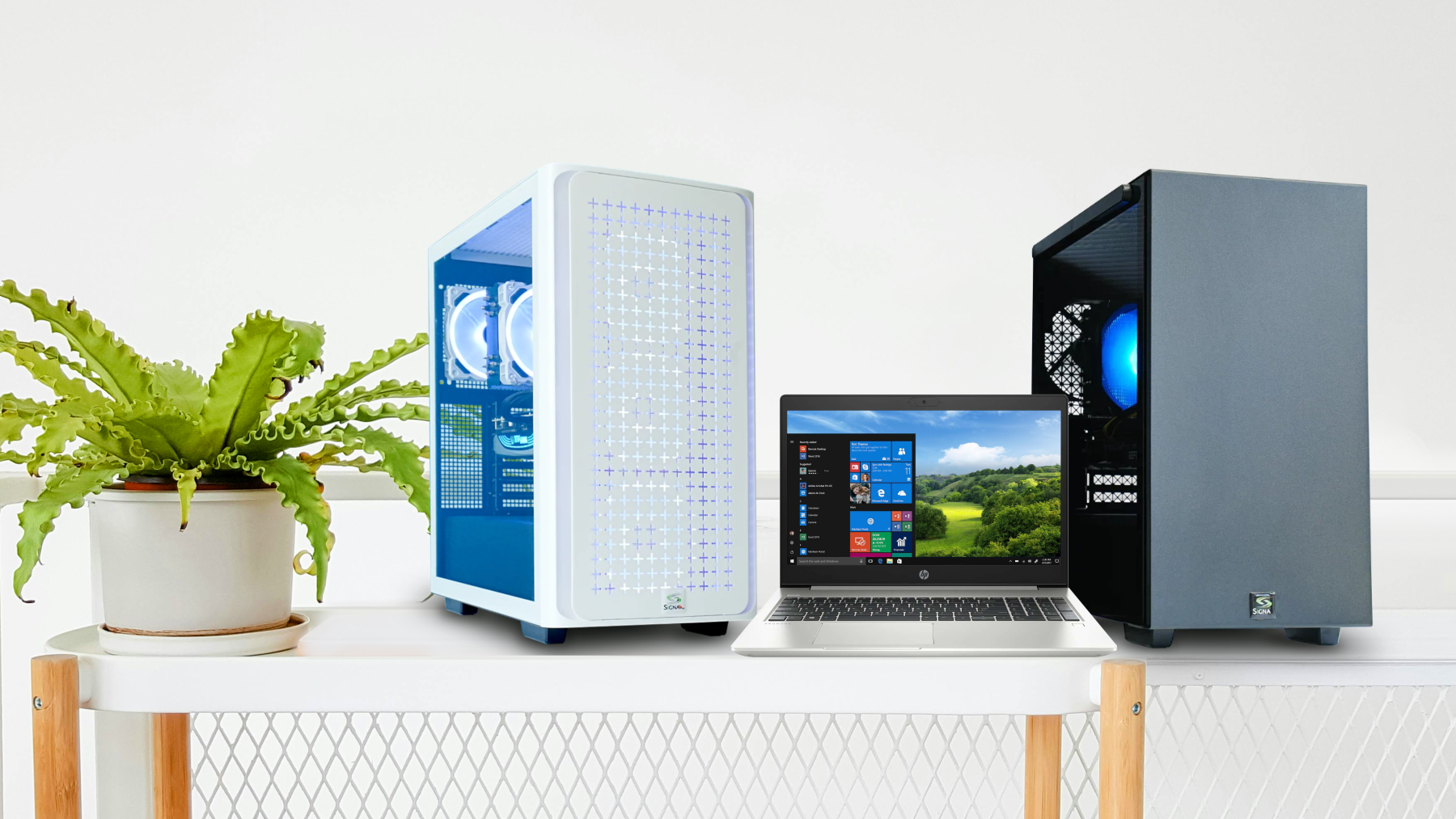
Since 1993 SIGNA Computer Systems has provided
solutions for thousands of individuals and businesses, as
well as educational and government institutions across
Canada. Using quality components, we custom design
computers to fit our customers' needs as well as their budgets.
Our specialty is high performance workstations as well as bullet-proof file servers for business applications, however we cover the full spectrum of your PC needs for home and SOHO as well, providing sales, service, repairs and upgrades for PC and Mac desktops & notebooks.
Windows 7 is finally here! Want to find out what's under the hood of Microsoft's much-anticipated Windows 7? Click the button below to expand this box, and read on about all of the ground-breaking new features…
64-bit support - a 64-bit PC can handle larger amounts of information than a 32-bit system. Since it can use more RAM — 4 GB and up — a 64-bit computer can be more responsive when you're running lots of programs at once.
Windows 7 gives you more ways to interact with your PC by taking advantage of new strides in speech recognition and touch technology, a magnifier, an on-screen keyboard, narrator, and visual notifications.
Peeved by pop-up balloons? Action Center lets you decide which Windows 7 alerts you see and which you don't.
The Aero desktop experience, available in the Home Premium, Professional, and Ultimate editions of Windows 7, mixes cool graphics with useful new ways to manage your desktop.
Aero Peek gives you the power of X-ray vision in the Home Premium, Professional, and Ultimate editions of Windows 7 - so you can peer past all your open windows straight to the Windows 7 desktop. Simply point to the right edge of the taskbar — and watch open windows instantly turn transparent, revealing all your hidden icons and gadgets. To quickly reveal a buried window, point to its taskbar thumbnail. Now only that window shows on the desktop.
Aero Shake lets you cut through a cluttered desktop and quickly focus on a single window. Just click a pane and give your mouse a shake. Voila! Every open window except that one instantly disappears. Jiggle again—and your windows are back.
Aero Snap is a quick way to resize open windows, simply by dragging them to the edge of your screen.
Backup and Restore — improved for Windows 7 — creates safety copies of your most important personal files, so you're always prepared for the worst.
How can you help protect your data from loss, theft, or hackers? The answer: BitLocker. Improved for Windows 7 and available in the Ultimate edition, BitLocker helps keep everything from documents to passwords safer by encrypting the entire drive that Windows and your data reside on. Once BitLocker is turned on, any file you save on that drive is encrypted automatically.
Device Stage provides a single place to check on and manage cell phones, printers, digital cameras, and other compatible devices.
Join domains quickly and more securely with 7 Professional and Ultimate editions.
Gadgets put information and fun — like news, pictures, games, and the phases of the moon — right on your desktop. In Windows Vista, gadgets were corralled in the Sidebar. Windows 7 sets them free on the screen, where you can move and resize them as you like.
The Games Explorer in Windows 7 was redesigned to satisfy both casual and hard-core gamers alike. You can now elect to get software updates and news feeds for installed titles. The Games Explorer also tracks wins, losses and other fun stats.
Connect two or more PCs running Windows 7, and HomeGroup makes it easy to automatically start sharing your music, pictures, video, and document libraries with others in your home. The new “Share with” menu, meanwhile, provides a speedy way to share individual files.
Internet Explorer 8.
Jump Lists - new in Windows 7 - take you right to the documents, pictures, songs, or websites you turn to each day.
Libraries — new in Windows 7 — make it easier to find, work with, and organize files scattered across your PC or network. A library brings your stuff together in one place — no matter where it's actually stored. The result? You get more done.
Do you routinely print to multiple printers from your laptop? Now you don't have to manually switch printers when you go from, say, home to work. Windows 7 does it automatically.
Three of the most-loved multiplayer games from Windows XP are making a return: Internet Checkers, Internet Spades, and Internet Backgammon. All three are included in the Home Premium, Professional, and Ultimate editions of Windows 7.
Windows 7 makes it a cinch to view and connect to networks on your laptop wherever you go. Just click the networking icon on the taskbar. View Available Networks displays all your wireless and wired options — Wi-Fi, mobile broadband, dial-up, or corporate VPN. One more click, and you're connected.
Parental Controls - even when you're not looking over their shoulders, you can set limits on your kids' computer use—and help them be safer on-line, too.
Windows 7 is designed to sleep, resume, and reconnect to your wireless network more quickly.
When hunting for something, you want answers, not delays. In Windows 7, search results pop up faster.
When you plug in a portable flash drive or other USB device for the first time, Windows 7 can have it ready for you in seconds. If you've used it before, the wait's even shorter.
Unlike its predecessors, Windows 7 is designed to run speed-sapping background services only when you need them. Not using a Bluetooth device? Then the Bluetooth service in Windows 7 stays off.
Play To, new in Windows 7, makes it easy to play your music on other PCs or devices around the house. Just right-click the tracks you’d like to hear and select Play To—now you're a DJ.
Tired of your laptop dying when you need it most? Windows 7 is designed to help your battery last longer.
Snipping Tool (available only in the Home Premium, Professional, and Ultimate editions of Windows 7) captures a screen shot of anything on your desktop, like a picture or a section of webpage.
Already as necessary as pencils and paper clips, Sticky Notes just got more useful. In Windows 7, you can format a note’s text, change its color with a click, and speedily resize, collapse, and flip through notes.

System Restore returns your PC's system files and programs to a time when everything was working fine, potentially preventing hours of troubleshooting headaches. In Windows 7, System Restore is even more helpful. You can create more system restore points and see exactly what files will be removed or added when your PC is restored.
Windows 7 offers several improvements for people who like to go mouse- and keyboard-free. They're available only in the Home Premium, Professional, and Ultimate editions of Windows 7.
No disks, no delays. And no leaving the house: With Windows Anytime Upgrade, you can upgrade to a more advanced edition of Windows 7 — say from Home Premium to Ultimate — in as little as 10 minutes. That way, you get to take advantage of extra features while keeping your current programs, files, and settings intact.
In Windows 7, Windows Easy Transfer lives up to its name. Redesigned to be more reliable and helpful, it takes the hassle out of migrating important files, e-mail, pictures, and settings from your old PC to your new one.
Ever wonder how a PC you own — or want to buy — stacks up against others? The Windows Experience Index, updated for Windows 7, rates the performance of key hardware components such as the CPU, disk drive, and graphics card. The PC is then given a score between 1.0 and 7.9.
Windows Firewall can help protect your PC from hackers and malicious software. In Windows 7, it's still powerful — but it's now more flexible and easier to use.
Windows Media Player 12.
Start typing into the Start menu search box and Windows Search will instantly show you a list of relevant documents, pictures, music, and e-mail on your PC. Results are now grouped by category and contain highlighted keywords and text snippets to make them easier to scan.
The new Windows 7 taskbar is still the same familiar place for switching between windows. But now it's easier to see, more flexible, and more powerful.
Ever wish you could just point at what you want and move things around with your hand? With a touch-sensitive screen and Windows 7, you can.
The new Windows XP Mode lets you run older Windows XP business software right on your Windows 7 desktop (comes as a separate download, and works only with Windows 7 Professional and Ultimate.)
Microsoft Windows 7 Home Premium - 64-bit Retail
Complete Product - Standard - 1 PC - Retail - PC - English
PN: GFC-00025
$224.99
Microsoft Windows 7 Home Premium Upgrade - Family Pack - 32/64-bit - Standard - Retail - PC
PN: GFC-00235
$199.99
Microsoft Windows 7 Professional Retail
Complete Product - Standard - 1 PC - Retail - PC
PN: FQC-00133
$329.95
Microsoft Windows 7 Professional Upgrade
Version Upgrade - Standard - 1 PC - Retail - PC - English
PN: FQC-00134
$249.99
Microsoft Windows 7 Ultimate Retail
Complete Product - 1 PC - PC - English
PN: GLC-00181
$349.99
Microsoft Windows 7 Ultimate Upgrade
Package - 1 PC - Retail - PC - English
The staff at SIGNA would like to congratulate our womens and mens hockey teams for winning GOLD in the Olympic Finals!
Windows 7 excitement...
November 16, 2009
I’ve been in this business for a very long time now, so long that I remember the launch of Windows 3.0. That was the first big GUI (graphical user interface) from Microsoft that everyone had to have. Enter Fall 2009... I've been comparing the excitement surrounding the 3.0 launch to the brand new Windows 7 launch. EVERYONE WANTS 7! Techies, beginners, and everyone in-between wants to run Windows 7 which is, well, great for us! FYI - We found Vista to be a good operating system as well, but for some reason the media really enjoyed taking shots at it (it seems bad press sells), and all that bad press took its toll on Vista’s image. For us it’s a relief not to be constantly defending Vista, and to be able to get back to the business of selling and upgrading PCs which is what we do best.
Vista Service Pack 2 just released
May 27, 2009
Vista SP2 has just been released. Some people have had it pop up in their Windows Updates, others have had to download and install it.
Be sure you have a complete backup before installing, and be aware service packs DO cause problems at times so it's user beware!
Signa Home Servers are a great new way to automatically back-up all the PCs and MACs in your house!
February 4, 2010
Make sure that your irreplaceable photos, documents, music, and video are protected. Easily add a SIGNA home server to your compliment of home PCs and then rest easy knowing that all your valuable data is automatically backed-up at regular intervals.
New SIGNA HTPC is a hit!
February 3, 2010
Our new ultra-compact home theatre PCs (HTPCs) are selling extremely well. Our clients like the idea of sharing pictures, movies, and music on their flat-screen TV.
New System Flyer posted!
February 3, 2010
Our February system flyer is now available on-line in downloadable PDF and JPEG format. Be sure to take a look and check out our latest deals and hot new system configurations!
Holiday Hours
December 25, 2009
Please note that we are closed for the holidays on Fri. 25th, Sat. 26th, Sun. 27th, and Mon. 28th. We will be closing early on Dec 31st at 2:00pm, and will be closed on Jan 1st. All other days will have regular business hours.
Wishing you all the best, and a safe and happy holiday season,